
Without a plan
- Build and keep your menus
- One free import from a menu photo
- A preview of your first design
AI menu design for food businesses
Type your dishes and prices, or photograph the menu you have. AI designs the whole page; you check every price and export.
Coming soon · App Store & Google Play
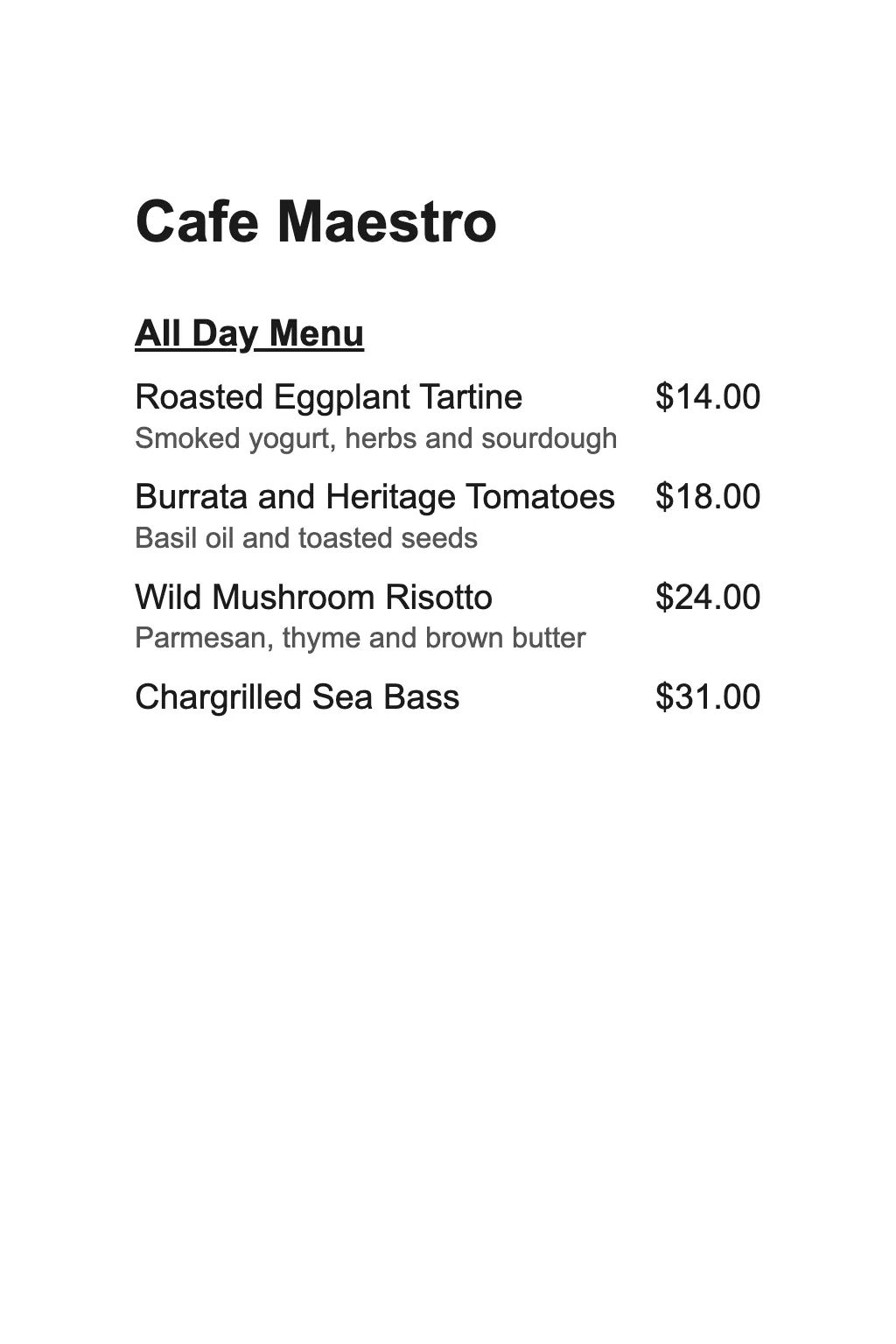
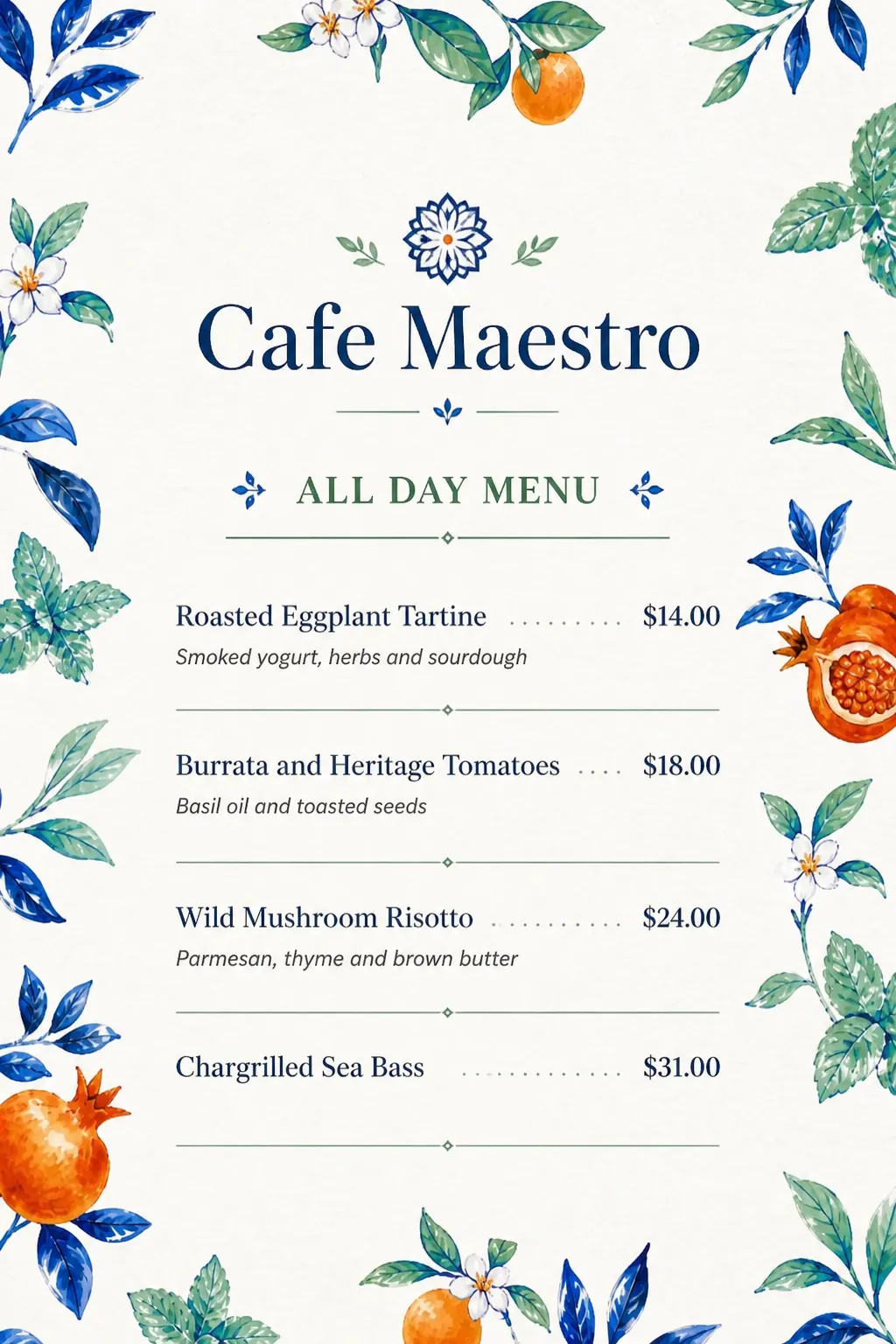
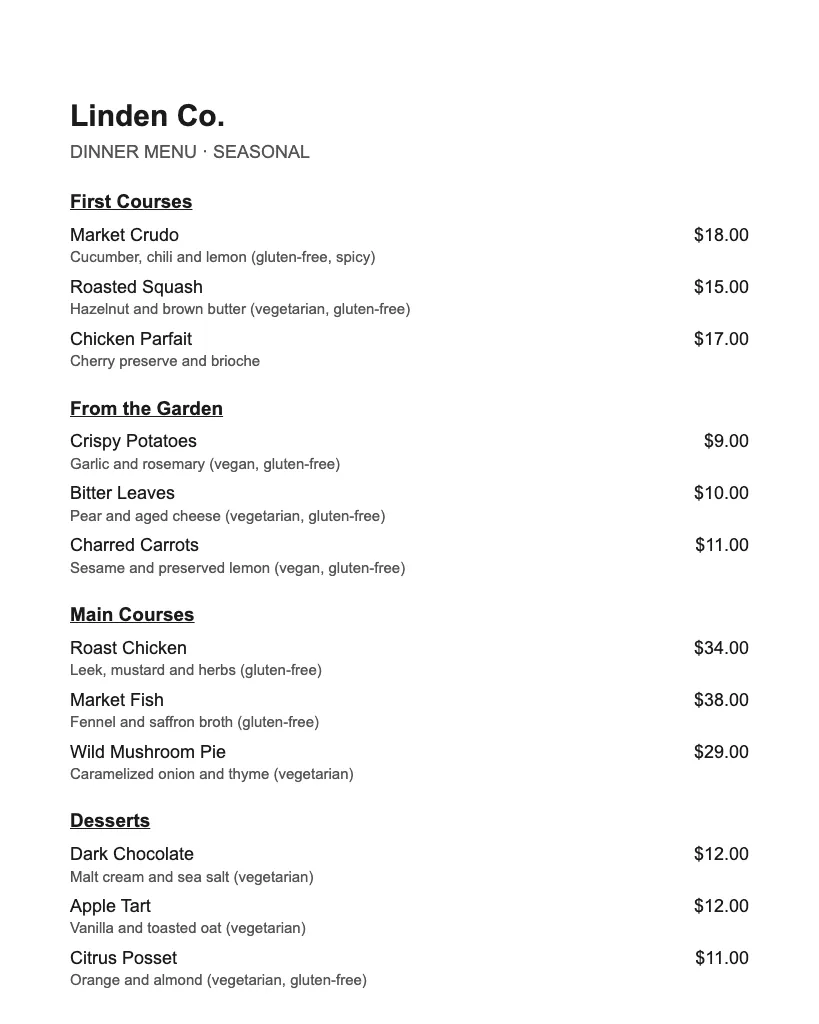
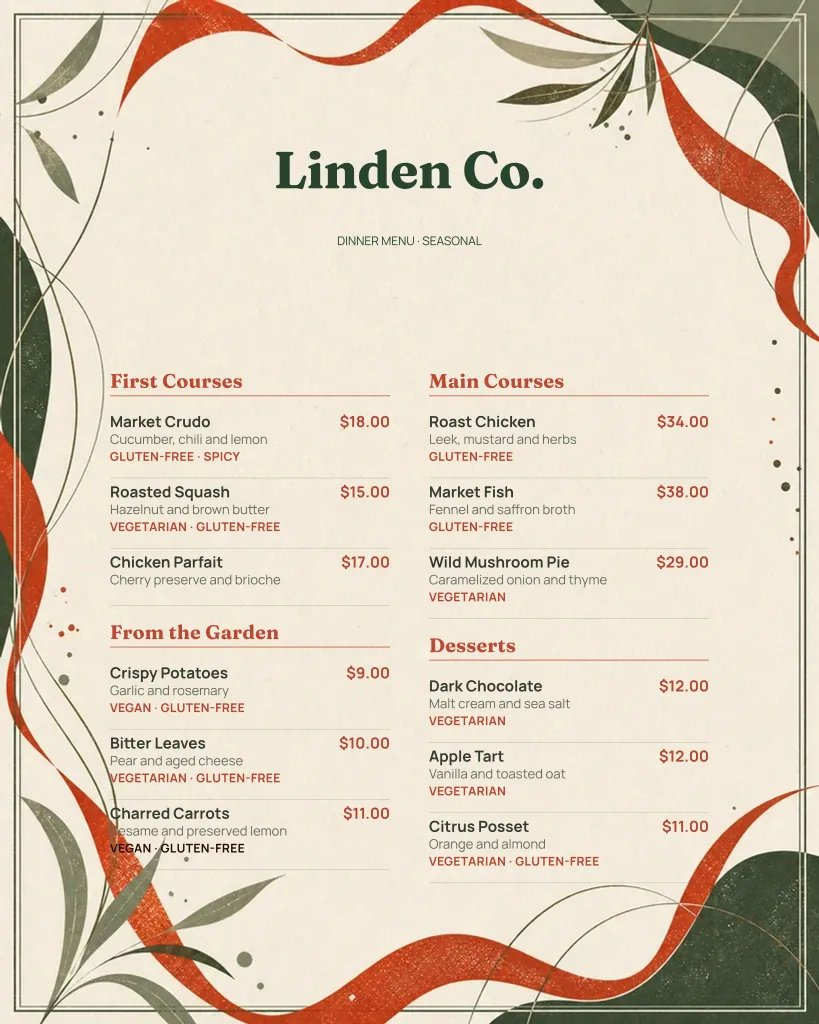
Filter the catalogue by business type and start from a design that fits your venue.
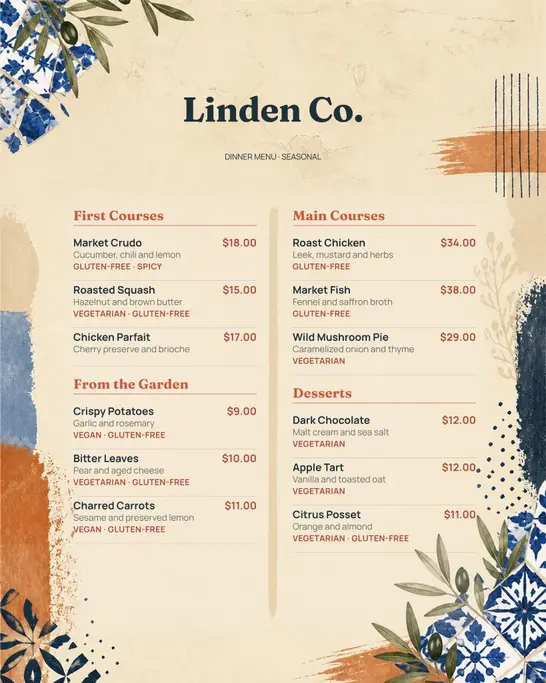
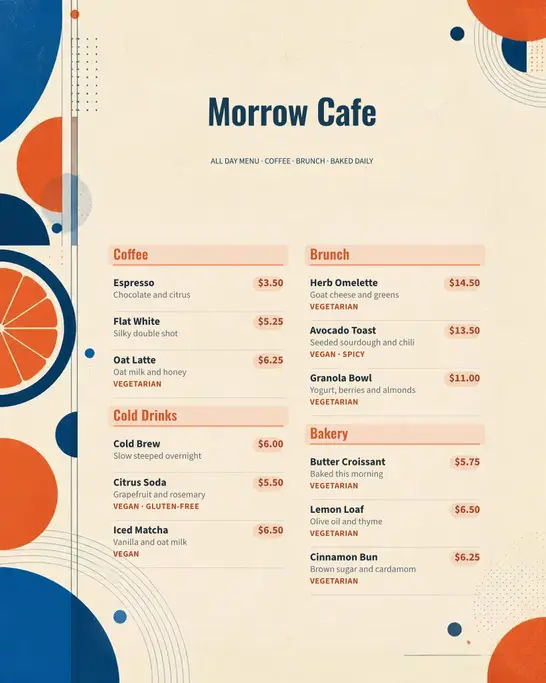
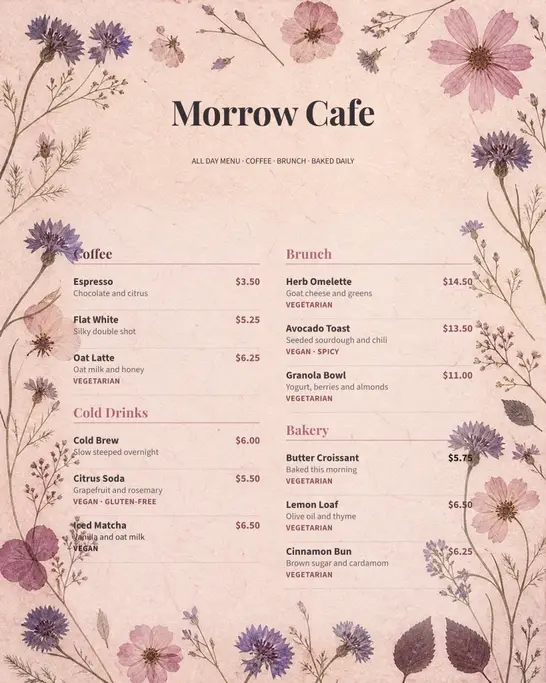
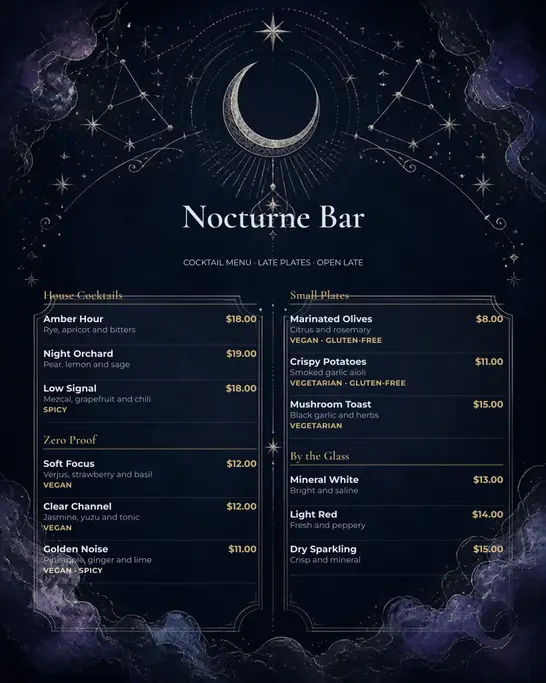
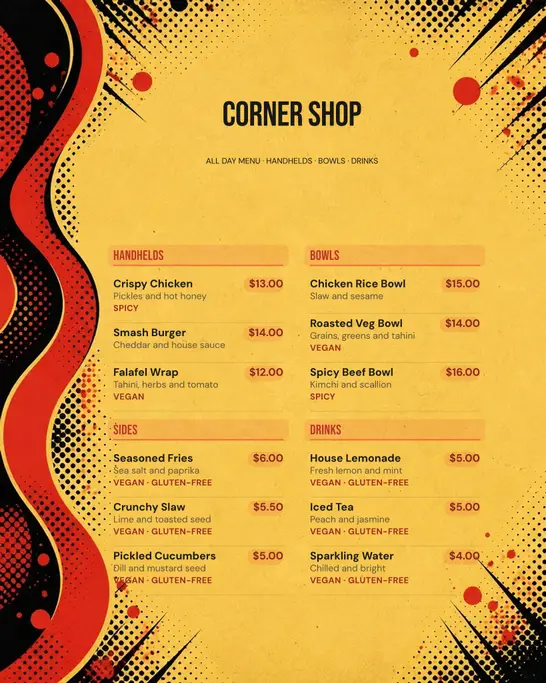
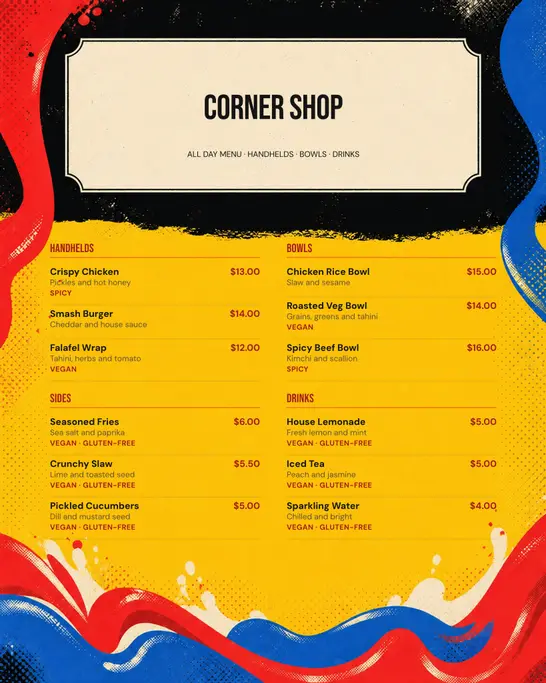
Catalogue designs from the app, with sample menus

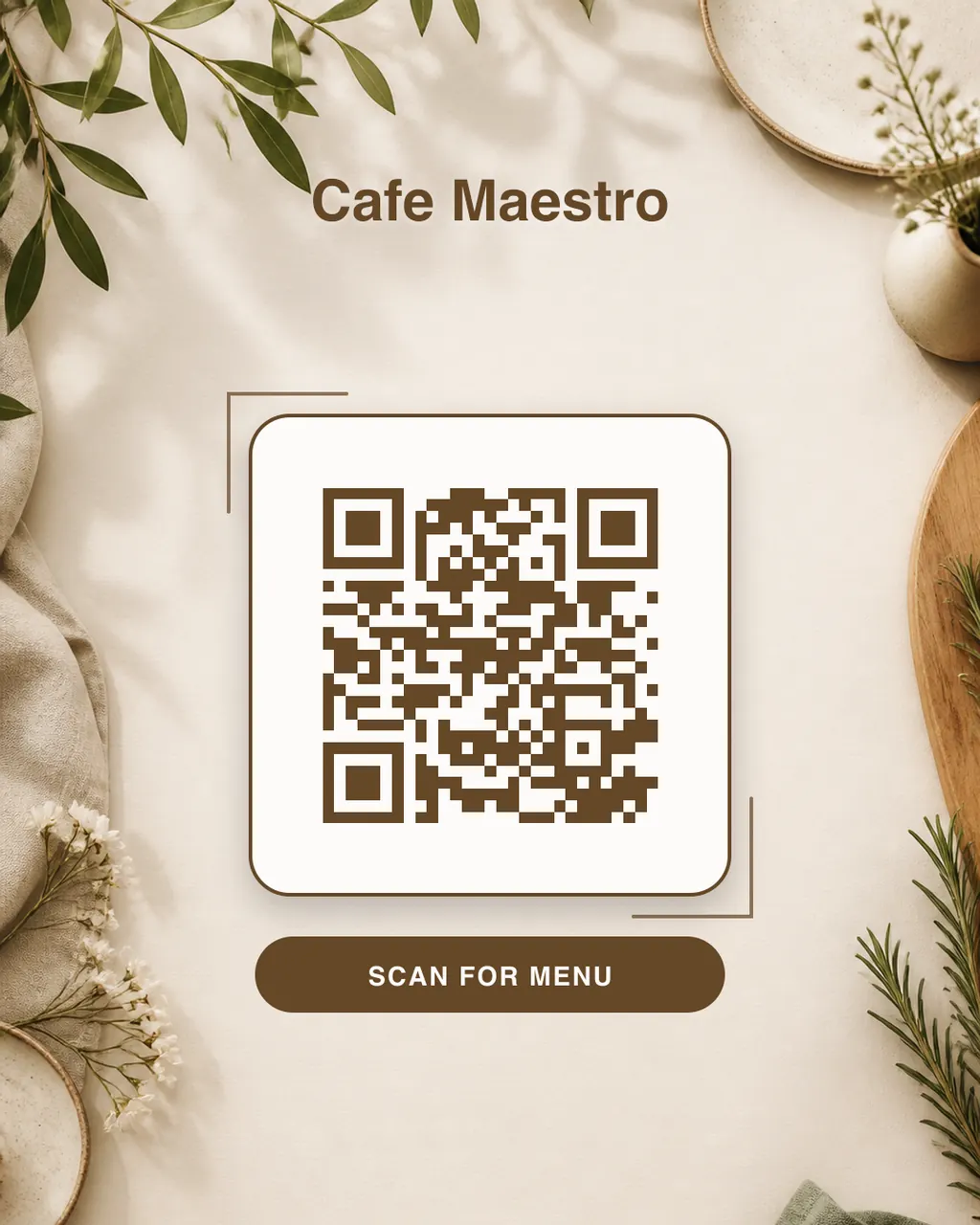
AI paints the backdrop. The app sets your venue name and a QR code to your online menu on top: generated exactly, never drawn by AI.
Every design exports as an A4 PDF for print and as a PNG or JPEG for social media, chat and your website.
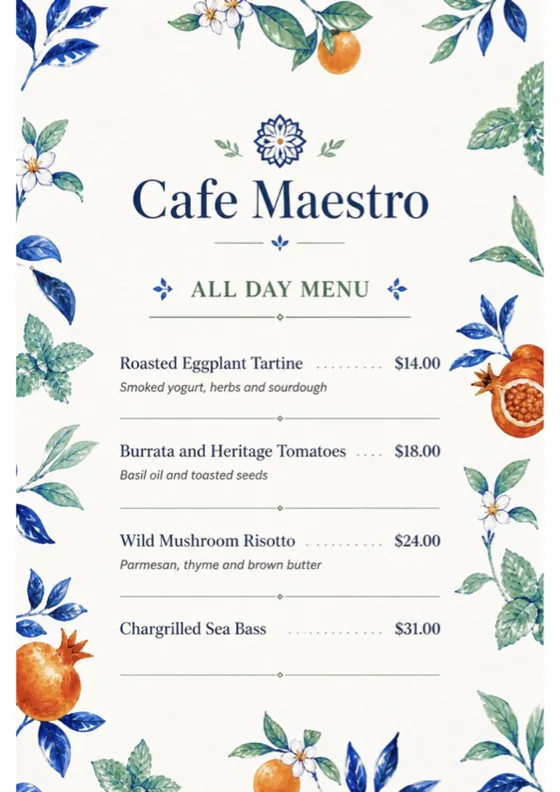
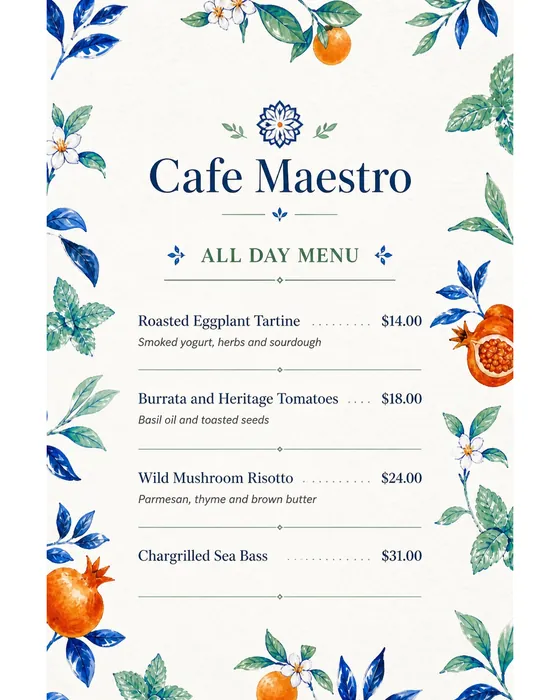
The menu above, as the app exported it
Type them in or import a photo of your menu.
AI designs the whole page.
Read every price, then print or share.
Price, credits per period and renewal are shown in the app before you buy. Unused credits do not carry over. Cancel anytime in the App Store or Google Play.
No. You add the dishes, descriptions and prices; AI draws the whole page, layout, type, ornament and colour included. There are no boxes to drag and no fonts to pick.
Yes. Photograph your printed menu and the app reads its sections, dishes and prices into a list you can edit. It shows where it was unsure, so you can check those lines first. Your first import is free while you set up; later imports use plan credits.
Not always. The image model draws every letter, so a word or a price can come out different from what you entered. The app asks you to check every line before you download, and you can generate the design again.
An A4 PDF at 300 dpi for printing, and a PNG or JPEG at 1080 × 1350 pixels for Instagram, WhatsApp and your website. Save them to your phone or share them straight from the app.
Enter the web address of your online menu. The app generates the QR code for exactly that address and sets it, with your venue name, on a backdrop drawn by AI. It does not host your online menu.
Yes. Upload your logo and the design carries it. Without one, the AI is instructed not to invent a logo, monogram or crest from your venue name.
Any currency that is legal tender. Prices keep their exact value, and you choose whether the currency sign appears next to them.
Building your menus is free, and your first design comes as a preview. A weekly or monthly plan gives you credits for new designs and unlocks PNG, JPEG and PDF exports. The price is shown in the app before you buy; the terms have the details.
Coming soon · App Store & Google Play